Overview
This project was developed as my thesis. It is an application designed to help university students manage burnout by providing tools to organize and track assignments, as well as suggestions for activities that promote relaxation and well-being. The goal of the application is to empower students to better manage both their academic responsibilities and emotional health, creating an environment where they can thrive without falling victim to burnout.
Overview
This project was developed as my thesis. It is an application designed to help university students manage burnout by providing tools to organize and track assignments, as well as suggestions for activities that promote relaxation and well-being. The goal of the application is to empower students to better manage both their academic responsibilities and emotional health, creating an environment where they can thrive without falling victim to burnout.
Research
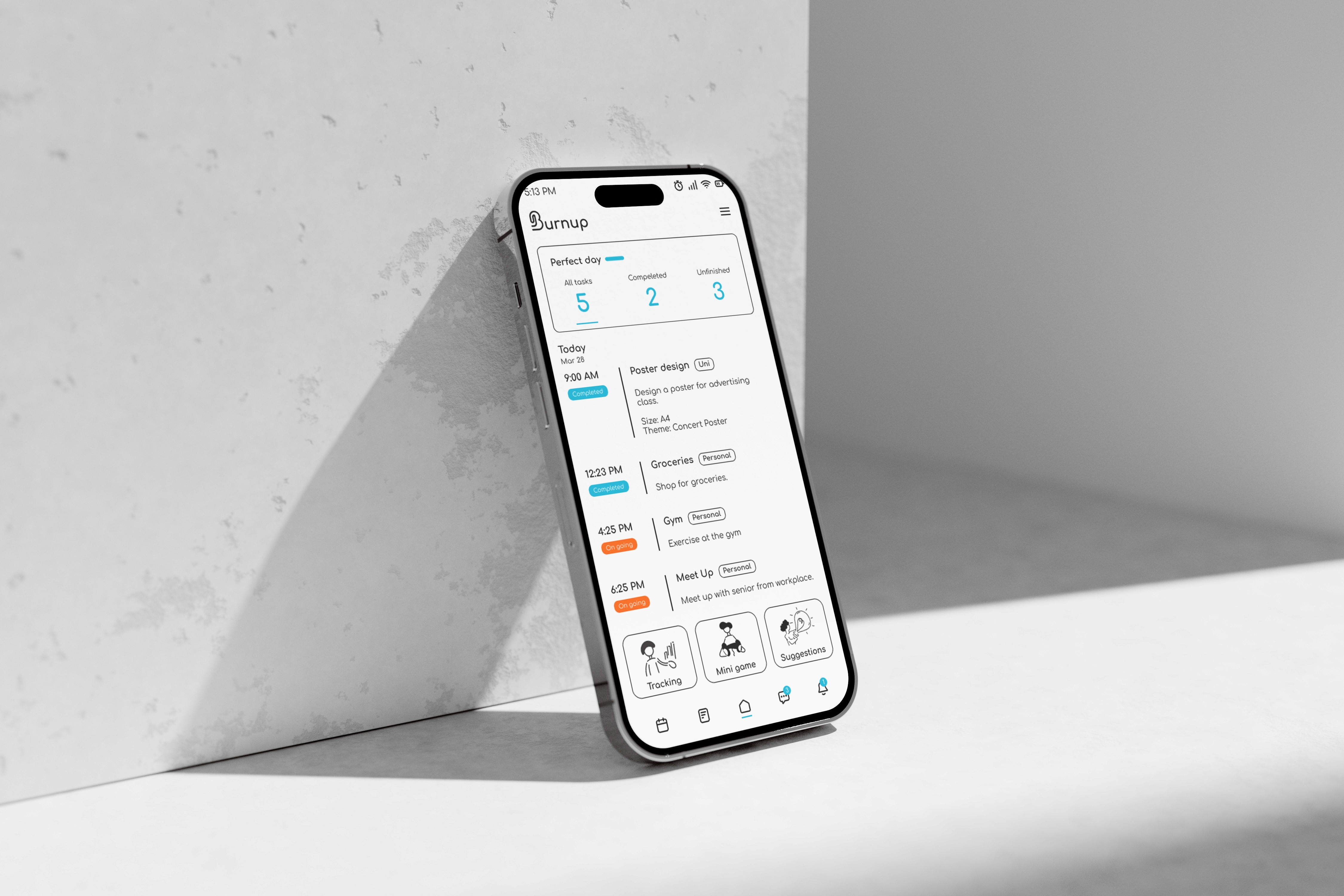
Extensive research was conducted throughout the project to inform the overall design direction. This included exploring and evaluating color palettes, logo concepts, typography choices, and user interface styles to ensure a cohesive and visually engaging experience. The research helped establish a clear visual identity while supporting usability and accessibility within the application.
Research
Extensive research was conducted throughout the project to inform the overall design direction. This included exploring and evaluating color palettes, logo concepts, typography choices, and user interface styles to ensure a cohesive and visually engaging experience. The research helped establish a clear visual identity while supporting usability and accessibility within the application.
Flowchart
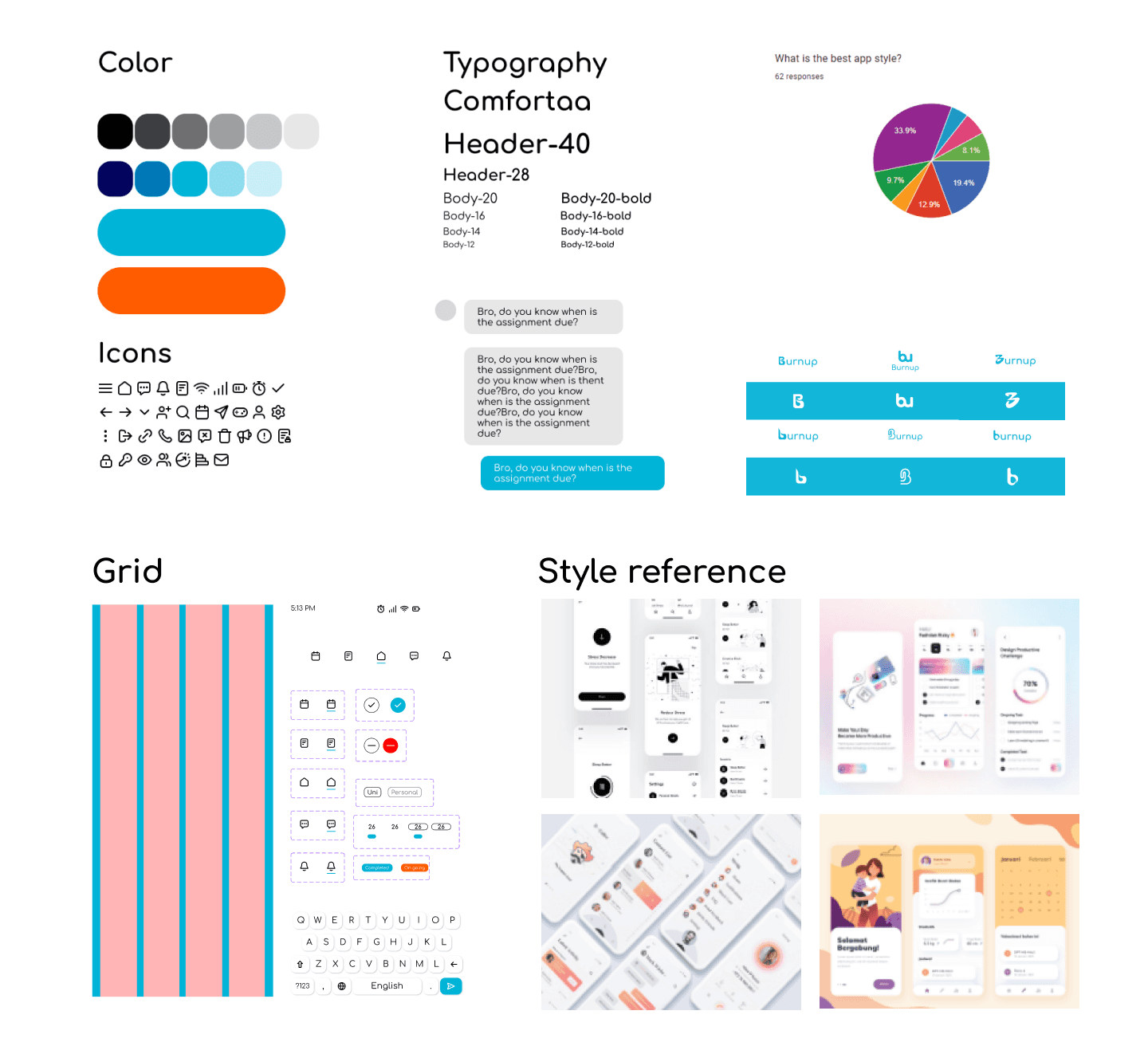
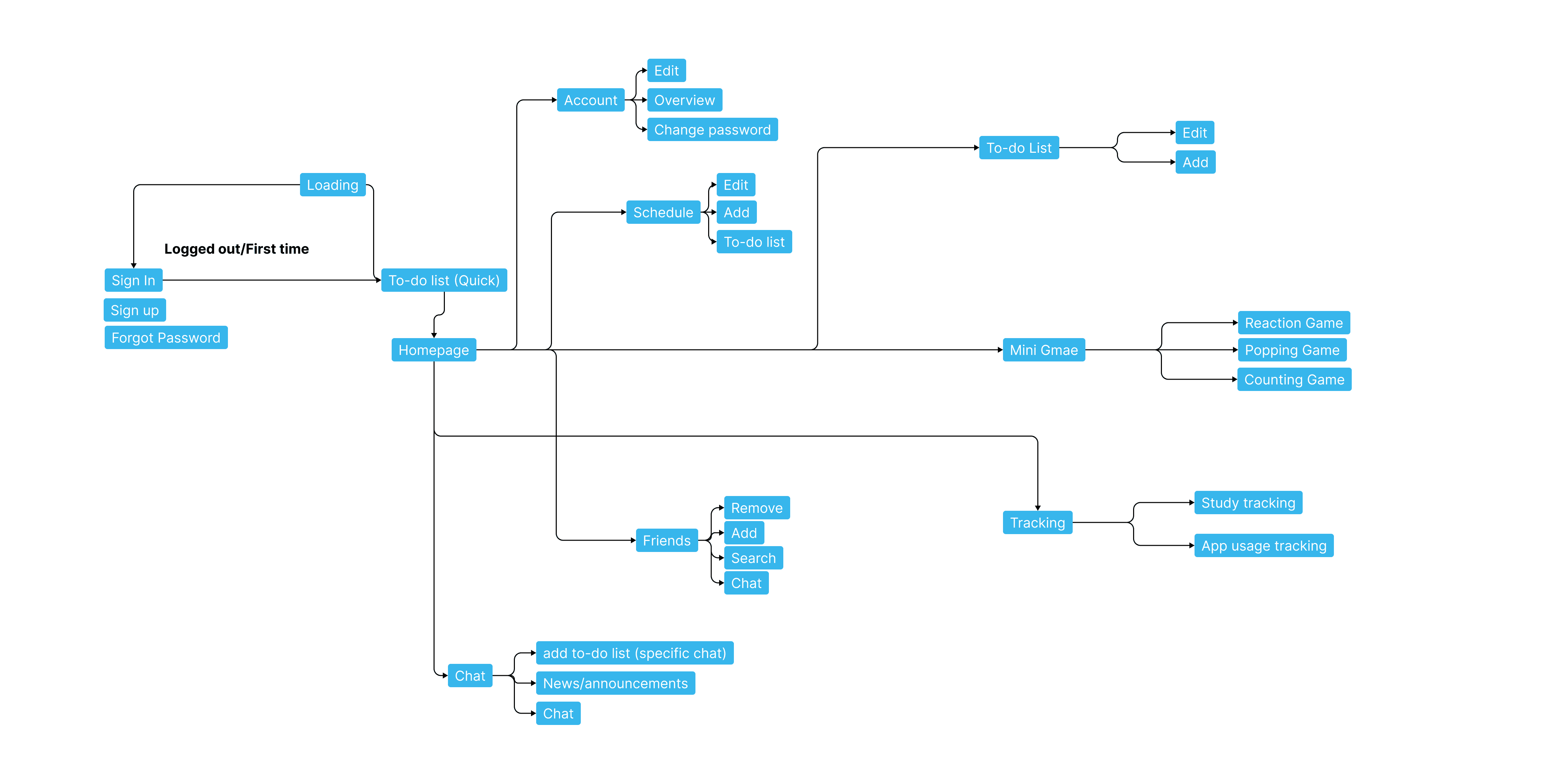
Upon completing the research phase, a user flowchart was developed to clearly map out the different paths users could take within the application. This process helped visualize how users would interact with the various features, from organizing assignments to accessing tools that support relaxation and well-being. By outlining each step of the user journey, the flowchart ensured that the navigation remained intuitive, logical, and coherent. It also helped identify potential friction points early in the design process, allowing adjustments to be made to improve usability and create a smoother overall user experience.
Flowchart
Upon completing the research phase, a user flowchart was developed to clearly map out the different paths users could take within the application. This process helped visualize how users would interact with the various features, from organizing assignments to accessing tools that support relaxation and well-being. By outlining each step of the user journey, the flowchart ensured that the navigation remained intuitive, logical, and coherent. It also helped identify potential friction points early in the design process, allowing adjustments to be made to improve usability and create a smoother overall user experience.
High fidelity wireframe
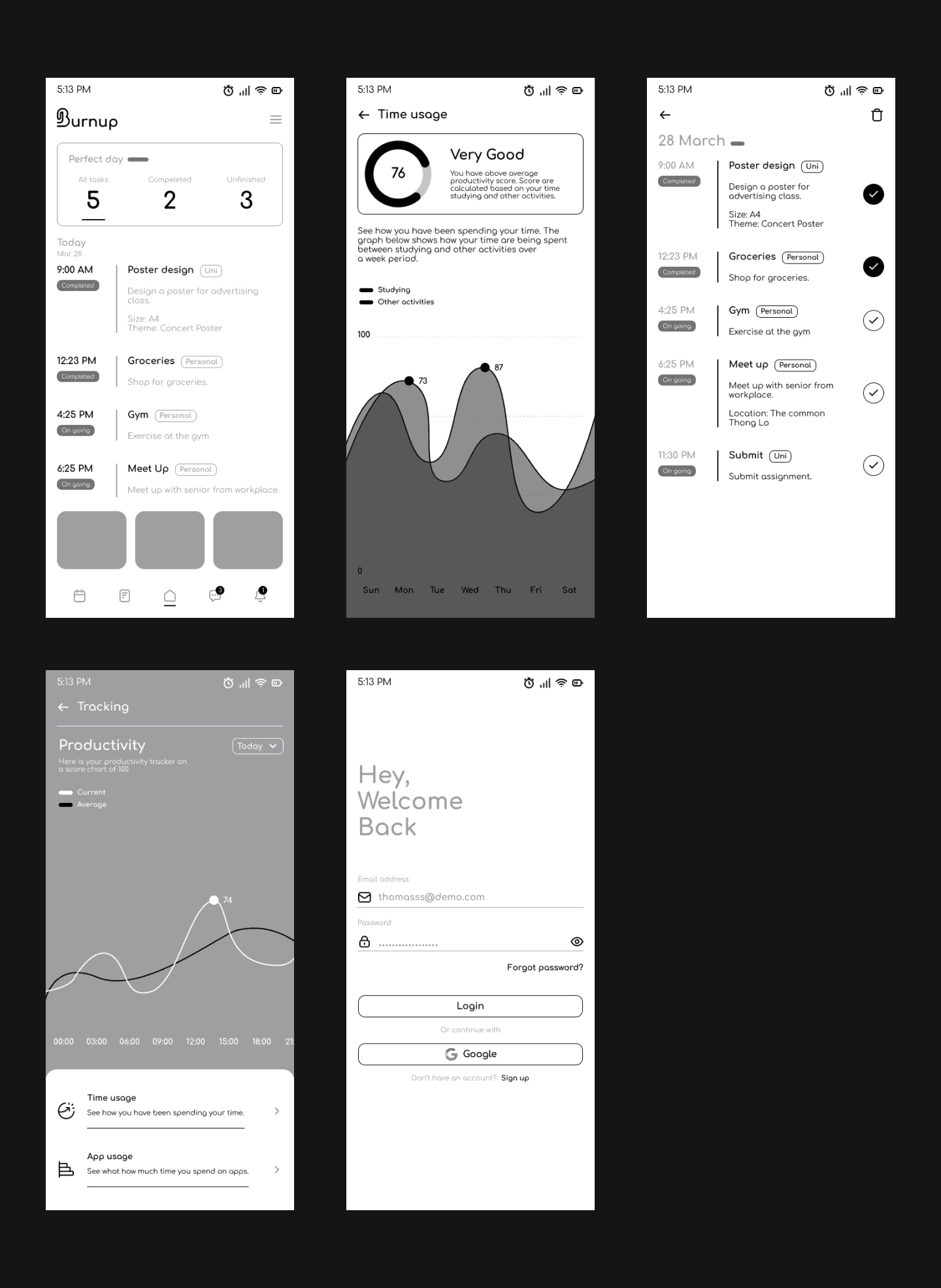
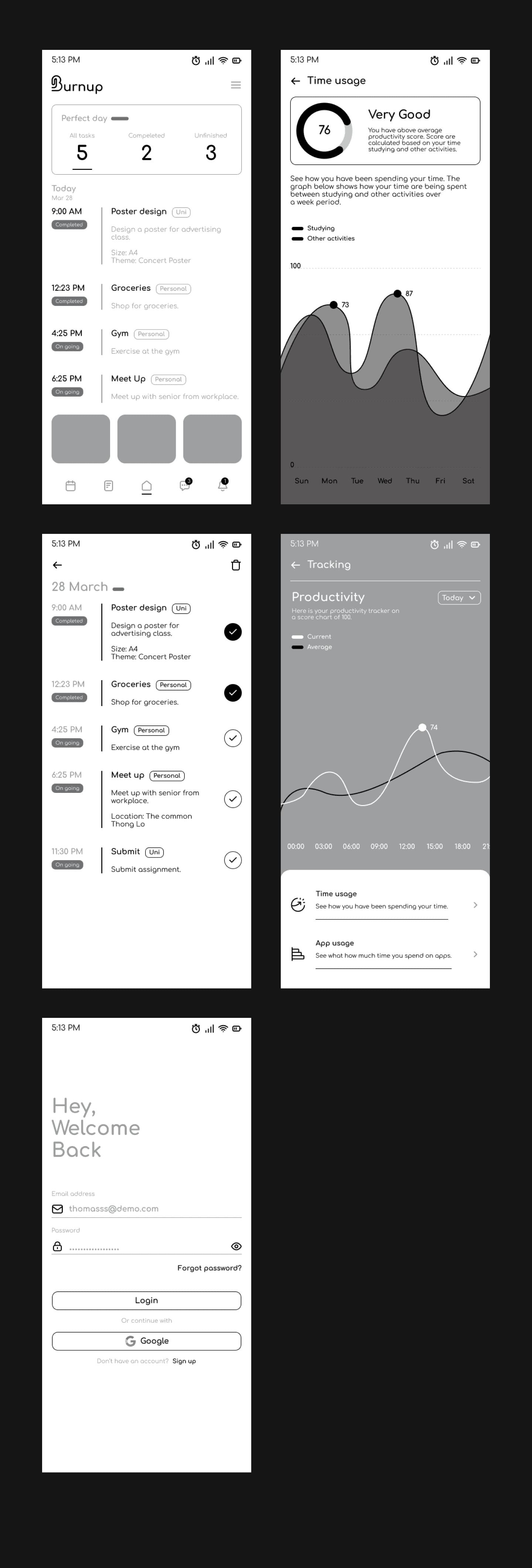
High-fidelity wireframes were created as a foundation to visualize and refine the overall design of the application. These wireframes helped establish the layout, structure, and visual hierarchy of each screen, allowing for a clearer understanding of how the interface would function. The goal was to capture the overall look and feel of the application while efficiently exploring design ideas without spending excessive time on final detailing. This process allowed for quick iteration and feedback, ensuring that the core interface design was both visually cohesive and user-friendly before moving on to further refinement and development.
High fidelity wireframe
High-fidelity wireframes were created as a foundation to visualize and refine the overall design of the application. These wireframes helped establish the layout, structure, and visual hierarchy of each screen, allowing for a clearer understanding of how the interface would function. The goal was to capture the overall look and feel of the application while efficiently exploring design ideas without spending excessive time on final detailing. This process allowed for quick iteration and feedback, ensuring that the core interface design was both visually cohesive and user-friendly before moving on to further refinement and development.
Design
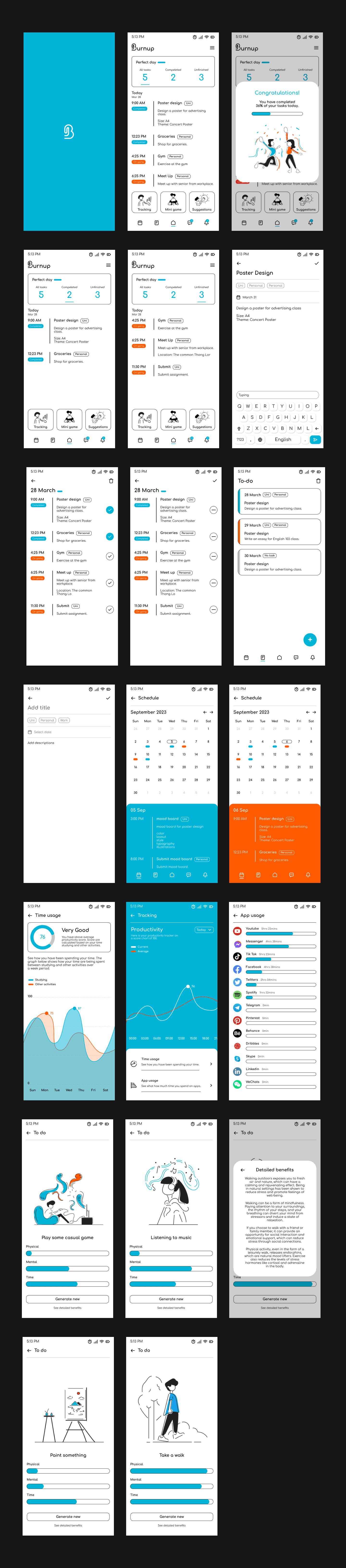
The final stage of the process was the design phase. After finalizing the high-fidelity wireframes, additional visual details and design elements were implemented to bring the interface to life. This included refining the color palette, typography, icons, and other UI components to ensure visual consistency across the application. Attention was also given to spacing, hierarchy, and overall aesthetics to create a polished and engaging user experience. The goal of this stage was to transform the structured wireframes into a fully realized interface that is both visually appealing and easy for users to navigate.
Design
The final stage of the process was the design phase. After finalizing the high-fidelity wireframes, additional visual details and design elements were implemented to bring the interface to life. This included refining the color palette, typography, icons, and other UI components to ensure visual consistency across the application. Attention was also given to spacing, hierarchy, and overall aesthetics to create a polished and engaging user experience. The goal of this stage was to transform the structured wireframes into a fully realized interface that is both visually appealing and easy for users to navigate.

Mockup
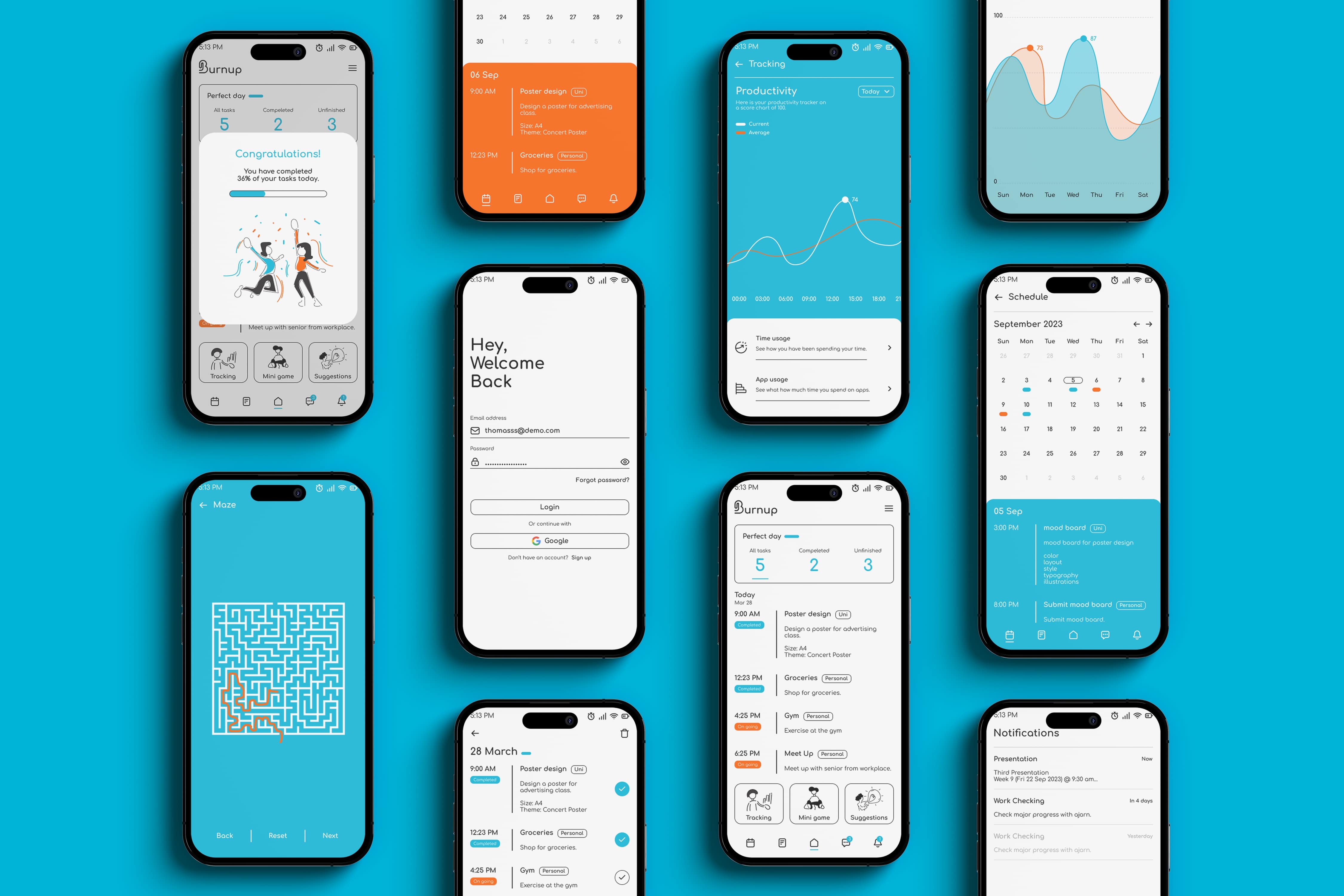
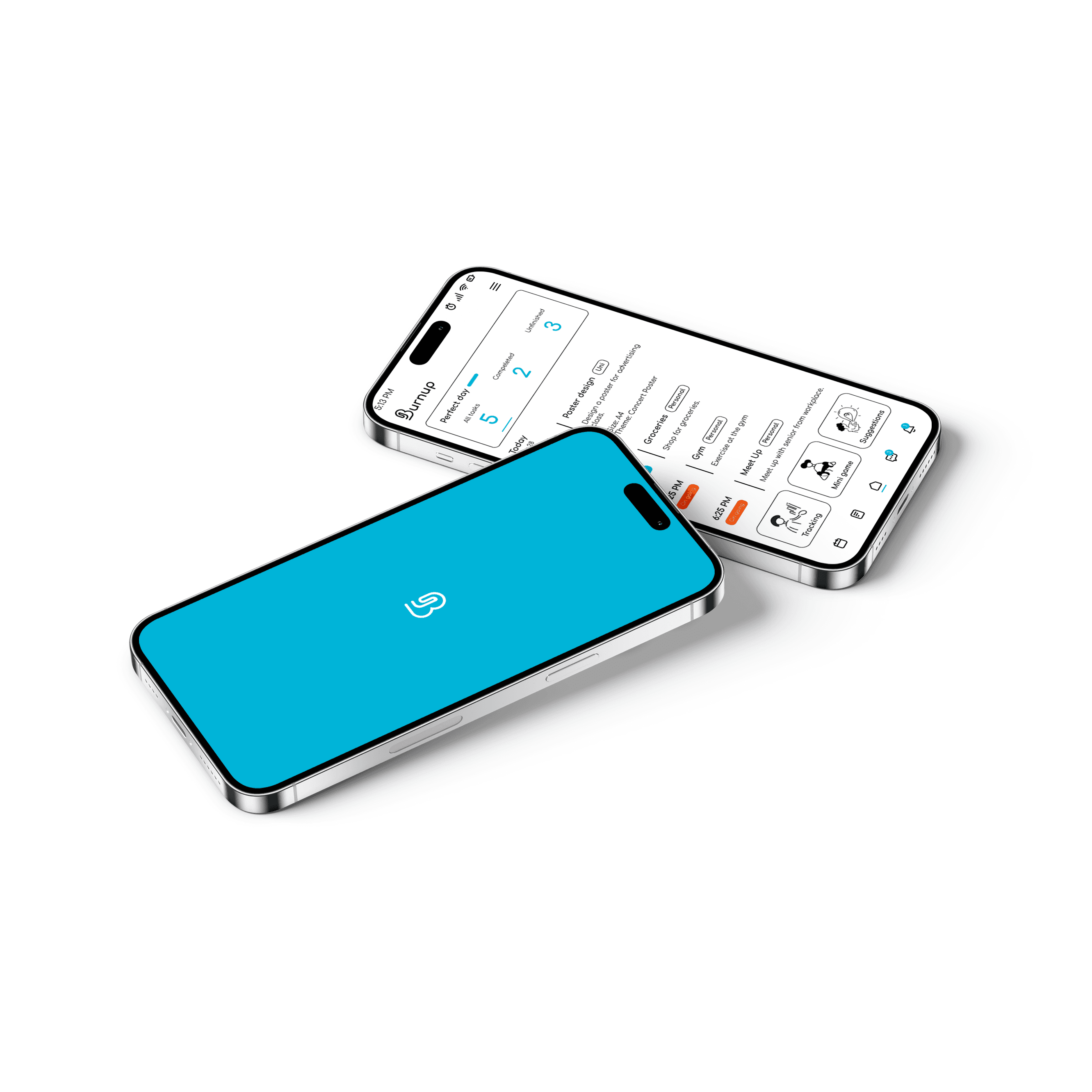
The finishing touch of the project involved presenting the final design through realistic mockups. These mockups showcase how the application would appear in a real-world context, allowing the interface and visual design to be viewed in a more polished and tangible way. By placing the screens within device frames and presentation layouts, the mockups help communicate the final look and feel of the application more effectively. This stage highlights the completed design, bringing together all visual elements and demonstrating the overall user experience of the application.
Mockup
The finishing touch of the project involved presenting the final design through realistic mockups. These mockups showcase how the application would appear in a real-world context, allowing the interface and visual design to be viewed in a more polished and tangible way. By placing the screens within device frames and presentation layouts, the mockups help communicate the final look and feel of the application more effectively. This stage highlights the completed design, bringing together all visual elements and demonstrating the overall user experience of the application.